Books that keep themselves current.
Rent posts, autopay runs and every trust account is checked each day. You review the runs and sign off on the close.
No credit card · Full product · Sample data included
On its own
What StrivBridge handles for you.
You set the rules once. These run without anyone pressing a button, and anything that needs a decision waits for one.
- Charges autopay residents' saved payment methods on the due date
- Runs a three-way trust check every day and flags any gap
- Sends bills over a limit to the approver whose tier covers them
- Emails owners that their month-end pack is ready, on the day you choose
Rent in, without the chasing.
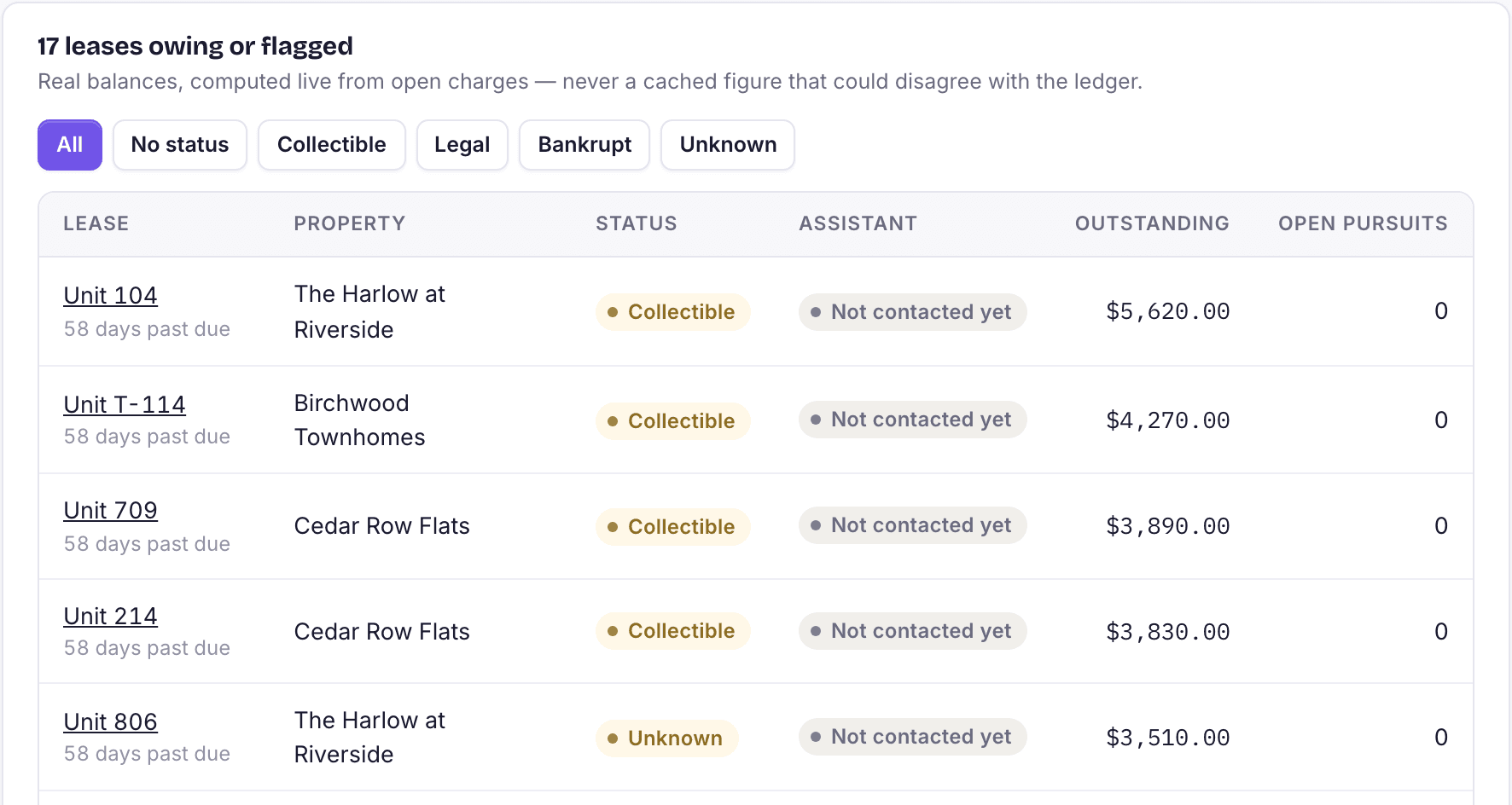
Charge runs post a month of rent in one pass, after a preview. Residents pay online or on autopay, late fees come from each property's own policy, and the collections list shows who owes what and who is on a payment plan.
- Preview every run before it posts
- Grace periods and flat or percentage late fees
- Payment plans that pause late fees and reminders
Trust accounting that checks itself.
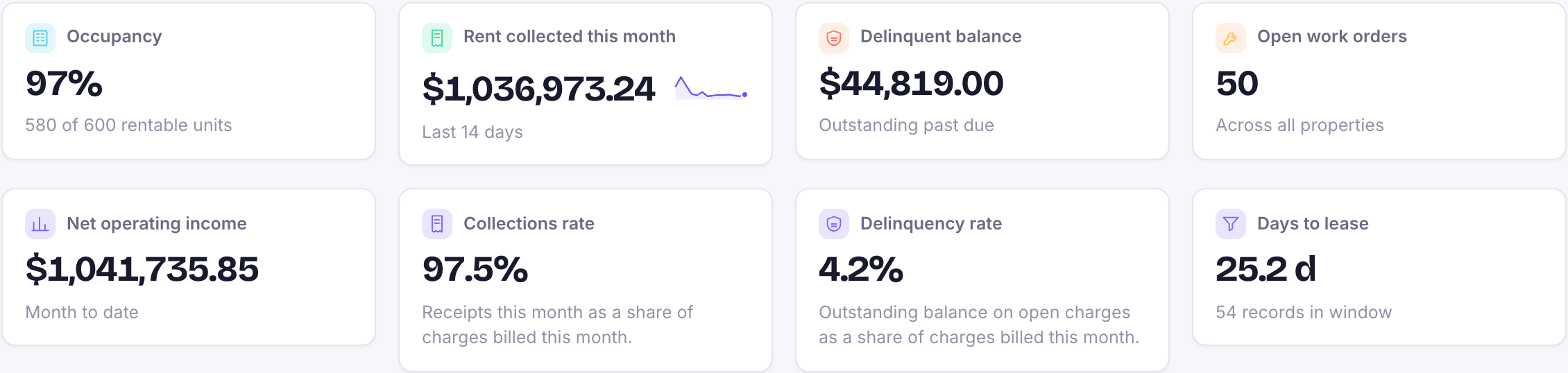
Each property's trust balance is kept as money moves: receipts, bills, management fees, owner draws and deposits. The three-way reconciliation runs every day, so a gap shows up the day it happens instead of at month-end.
- Reserve floors respected on owner draws
- Bank reconciliation worksheet with cleared items
- Optional auto-posting of bills and receipts to trust
Owners paid, statements sent.
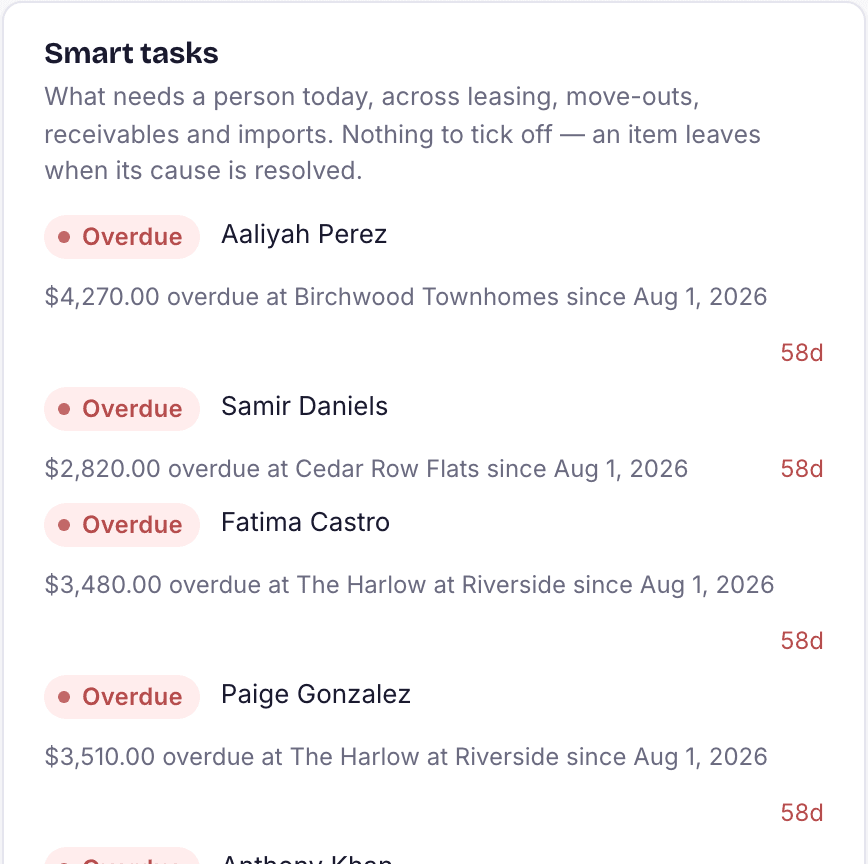
Management fees are calculated from rent collected and previewed before they post. Owner draws come out of trust by ACH or check: StrivBridge builds the ACH file you upload to your bank, so money goes straight from trust to each owner. Each owner sees their statement, pack and payouts in their portal.
- ACH files for owner and vendor payments
- Positive pay files for the checks you write
- Monthly owner packs as PDFs

Everything in accounting
Built in, not bolted on.
Charges and charge runs
Post rent and recurring charges for a property and month as a report, a staged batch, or straight to the ledger.
Payments and autopay
Online rent with saved payment methods and autopay, refunds back to the card or bank, receipt batches for checks, and bank deposits with printable deposit slips.
Payouts, itemized
Every processor payout broken down: rent collected, fees kept and the amount deposited, so each bank deposit matches the payments behind it.
Late fees
Assessed from each property's due day, grace days and fee settings. Running a date twice never charges twice.
Security deposits
Move-out accounting applies the deposit and credits against what is owed, and the settlement list shows who is waiting on a refund.
Trust accounting
Per-property trust balances, owner draws with reserve floors, and a daily three-way reconciliation.
Bank reconciliation
Reconcile each account against its statement until the difference is zero, with every cleared item on the record.
Payables
Bills, purchase orders, tiered approvals, holds, check and ACH runs and a check register, with one approval queue on your phone.
Management fees
Per-property fee schedules calculated from rent collected, previewed before posting, with over-collection caught.
Period close and reports
Close a month to freeze the books with a balance snapshot. Balance sheet, income statement on cash or accrual, trial balance and budget vs actual.
Questions
About accounting in StrivBridge.
Is it cash or accrual?
The books are kept on accrual, and financial reports such as the income statement can be run on a cash or accrual basis.
Does anything post to the ledger without me?
Payments post as they arrive and autopay charges on the due date. Charge runs, late fee runs, management fees and owner draws are previewed and posted by your team.
Can bills and receipts post to trust on their own?
Yes, if you turn it on in settings. It is off by default so an office that records them by hand does not count them twice.
Can I lock a month once it is closed?
Yes. Period close freezes the books through the month you choose and keeps a snapshot of the trial balance at that moment. Nothing can post behind it until someone reopens it.