Lesson 2 of 4 · 4 min
Partner apps
Turn partners on or off for your company from Setup › Apps.
Setup › Apps lists partners that work with StrivBridge, grouped by category, such as market data. Some capabilities are built into StrivBridge and marked as such. You turn each partner on or off for your whole company.
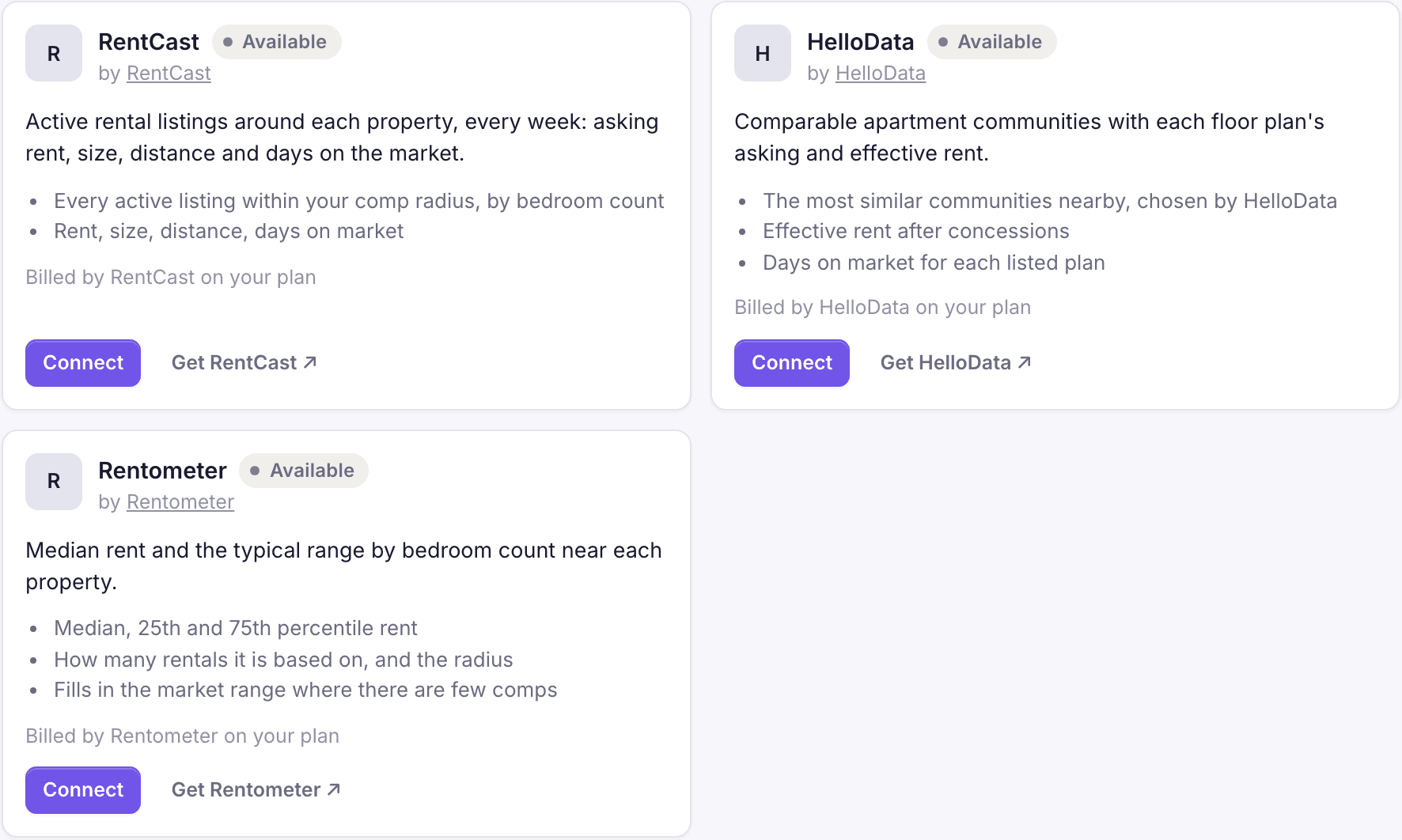
- Open Setup › Apps and browse by category.
- Open a partner and read what it does and what it may access.
- Choose Connect and enter your key for that partner, if it needs one. Use Check and connect to confirm it works.
- To stop using it, Turn off to pause (its data stays, nothing new is pulled) or Disconnect (your key is deleted).
Loading the rest of this lesson…