Lesson 5 of 5 · 4 min
Auditing AI activity
Use the AI audit log and approvals to see and control everything the assistant does.
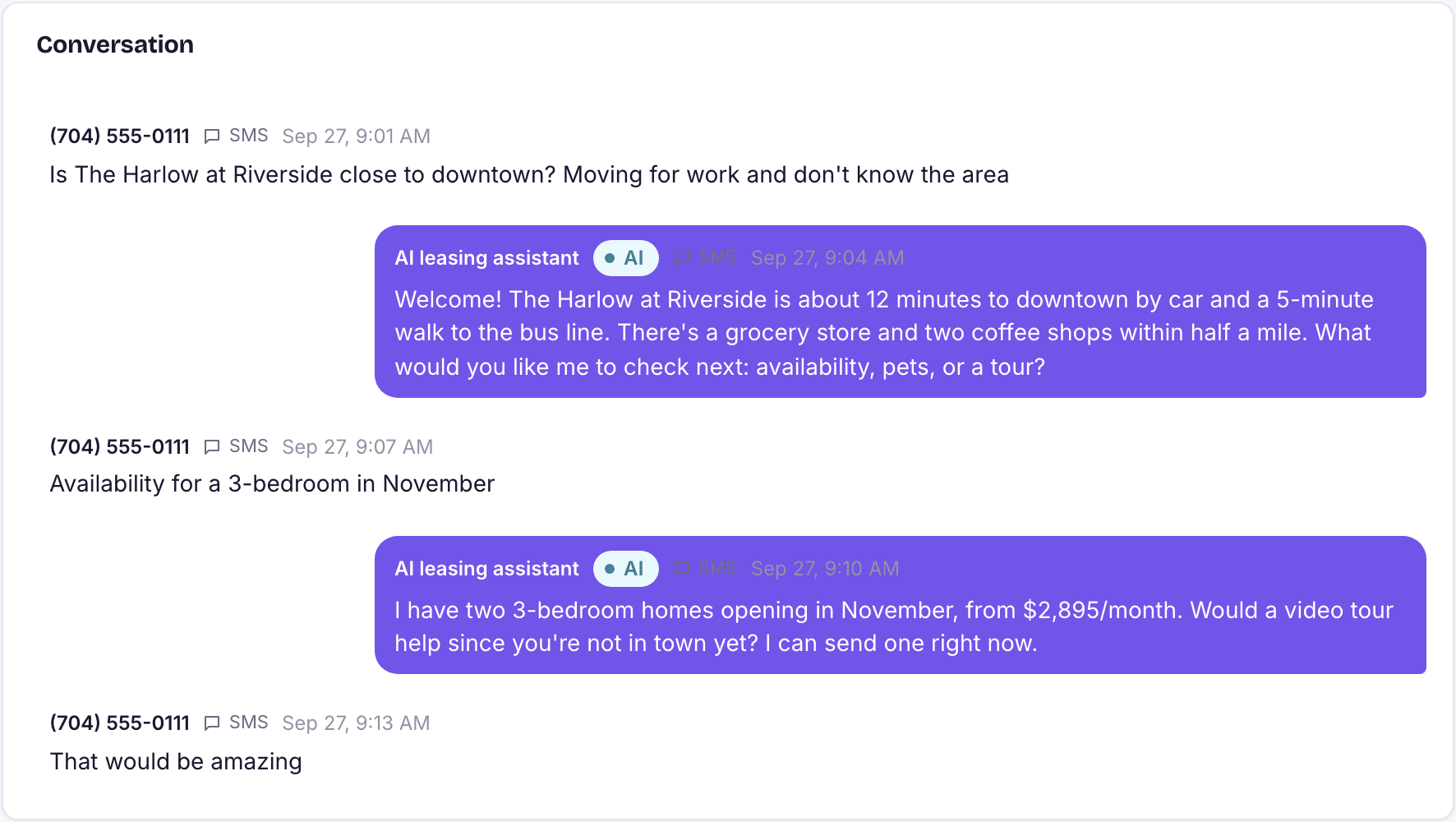
Every action taken by the assistant, and by Rivr, is recorded in Compliance › AI audit log. Use it when a resident disputes something they were told, when you are checking fair-housing practice, or when you simply want to know why something happened.
A monthly review
- Open Compliance › AI audit log.
- Filter to the last month and scan for actions that were refused or did not work.
- Spot-check a handful of conversations end to end, including one in each language you offer.
- Check the dashboard's Action queue for agent actions waiting on a human decision, and clear them.
- Note anything you would change and update the relevant flow or setting.
Loading the rest of this lesson…