Lesson 5 of 5 · 7 min
From application to move-in
Review the application, run screening, create the lease and hand off to the move-in checklist.
Once a prospect applies, the guest card becomes the workspace for the decision. The Application and Screening tabs hold what they submitted and what screening returned.
Decide on the application
- Open the guest card's Application tab and check it is complete. Chase anything missing from the same card.
- Open the Screening tab and review the result. Apply the same written criteria to every applicant.
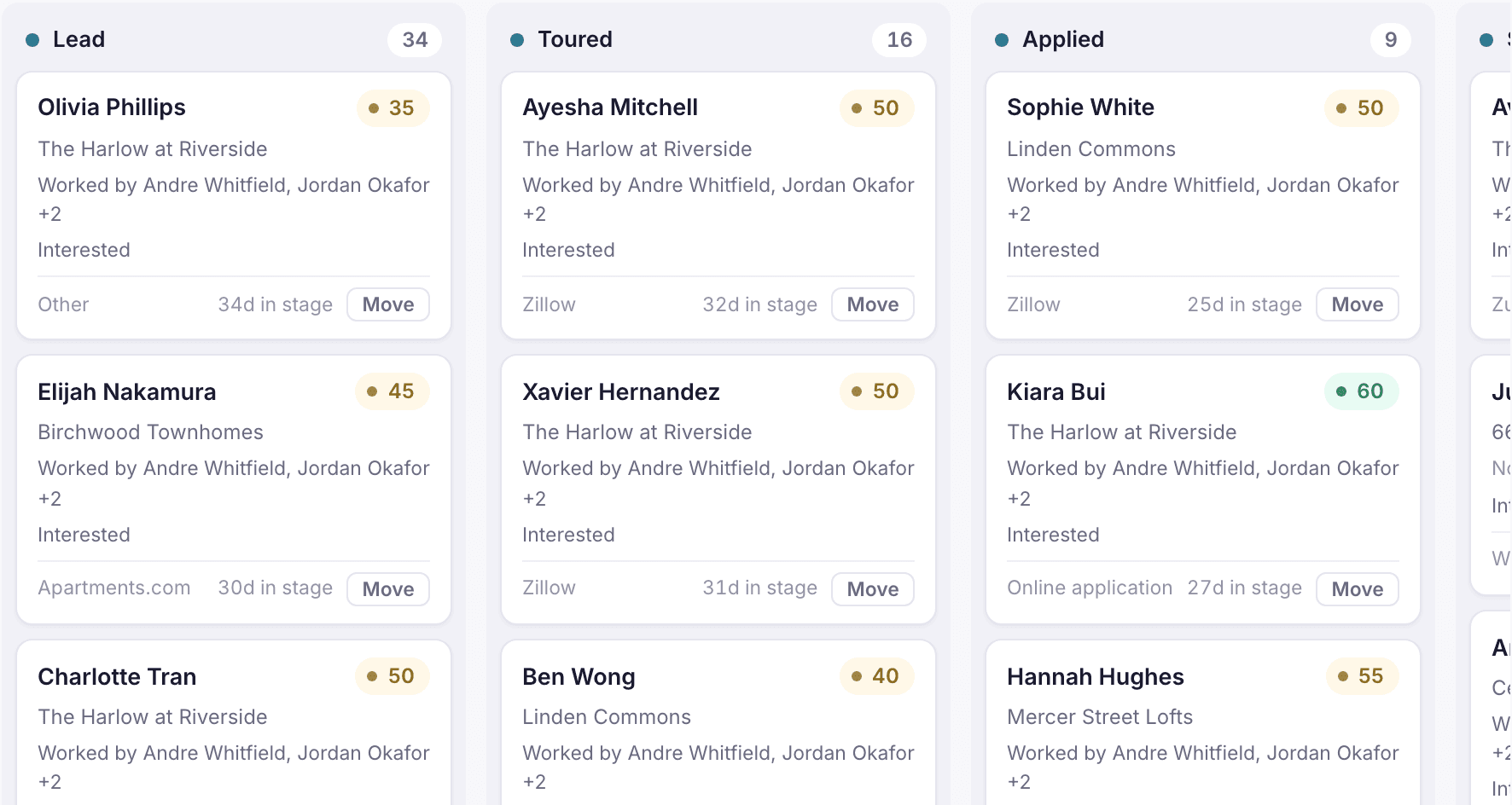
- Advance the stage to Screened, then to Approved or Denied.
- If approved, open Create lease on the guest card, choose the property and unit, and create the lease.
- Send the lease for signature.
Loading the rest of this lesson…