Lesson 1 of 5 · 6 min
The pipeline and Lead Manager
Two views of the same prospects: the stage pipeline for flow, Lead Manager for working your list.
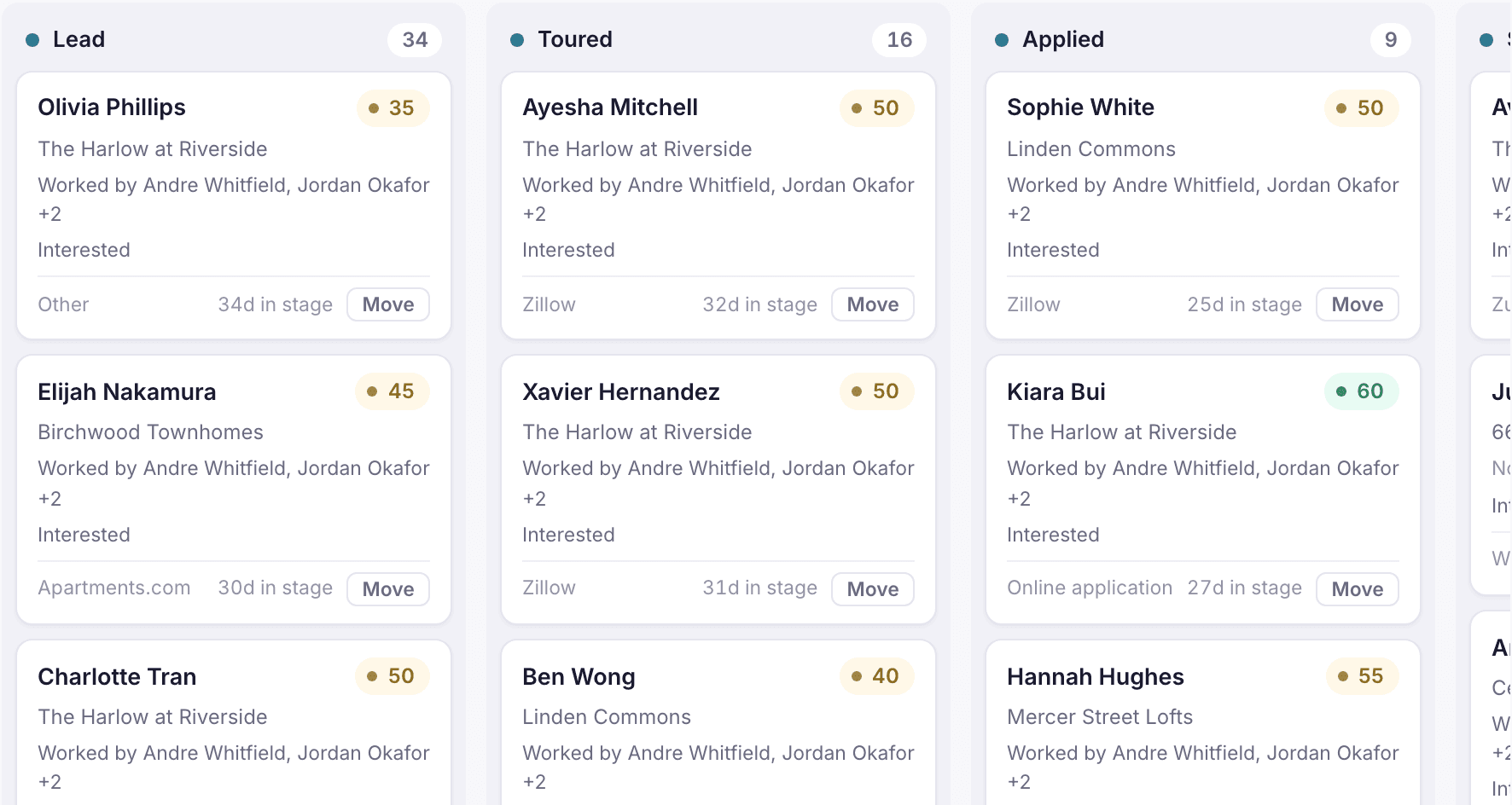
Every prospect sits in one pipeline stage: Lead, Toured, Applied, Screened, Approved or Leased, or ends as Denied or Canceled. Leasing › Pipeline shows prospects grouped by stage, along with today's tours. Leasing › Lead Manager is the working list: it filters down to the prospects you personally need to act on.
Use Lead Manager filters
- Open Leasing › Lead Manager.
- Pick a View: My properties, My team, or all properties. My properties uses your assignments from Setup › Team & assignments.
- Narrow by Property, Lead source, Tours (has toured or never toured), Deposit, or a first-contact date range.
- Apply, then work the list from the top. Open a prospect to reach their guest card.
Each prospect shows a lead score so you can see at a glance who is most likely to lease. Use it to decide order, not to decide who gets service: everyone who asks gets an answer.
Loading the rest of this lesson…