Lesson 2 of 5 · 7 min
Working a guest card
Everything about one prospect in one place: contact details, activity, tours, application, screening and duplicates.
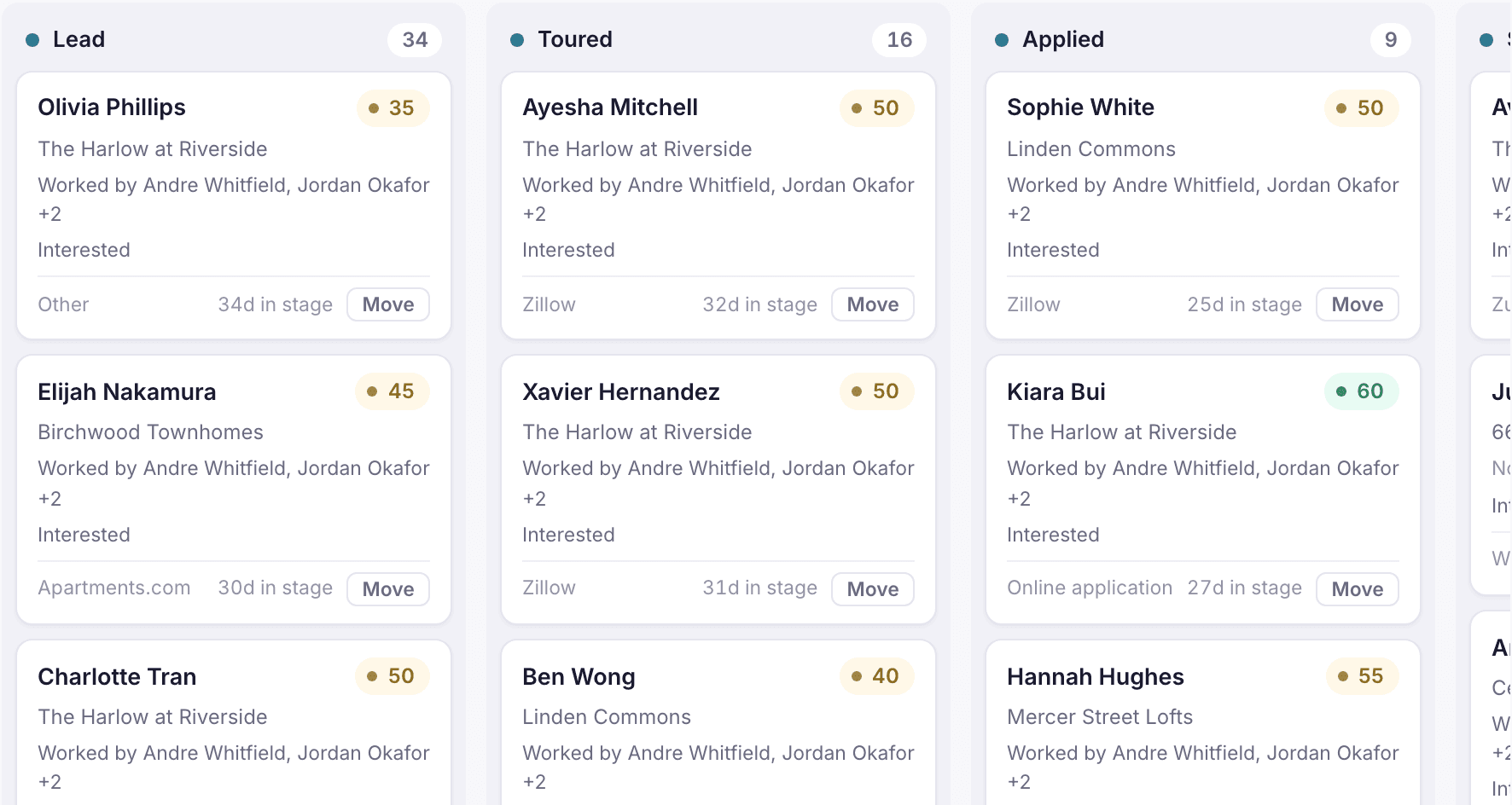
The guest card is the record of one prospect, or a group applying together. It holds their contact details, preferences and pets, lead source, pipeline stage, activity history, tours, application, screening, waitlist entries and the lease you create for them.
Add a guest card
- Open the new guest card form from the Leasing pipeline.
- Enter name, phone or email, the property and the lead source (Walk-in, Referral, Zillow, Zumper, Apartments.com, Online application or Other).
- Before saving, check the matched guests list. If this person is already in StrivBridge, open the existing card instead of creating a second one.
Loading the rest of this lesson…